Nisit Award
A platform for managing and verifying applications for outstanding student awards to facilitate a systematic selection process.
🎯 Objective
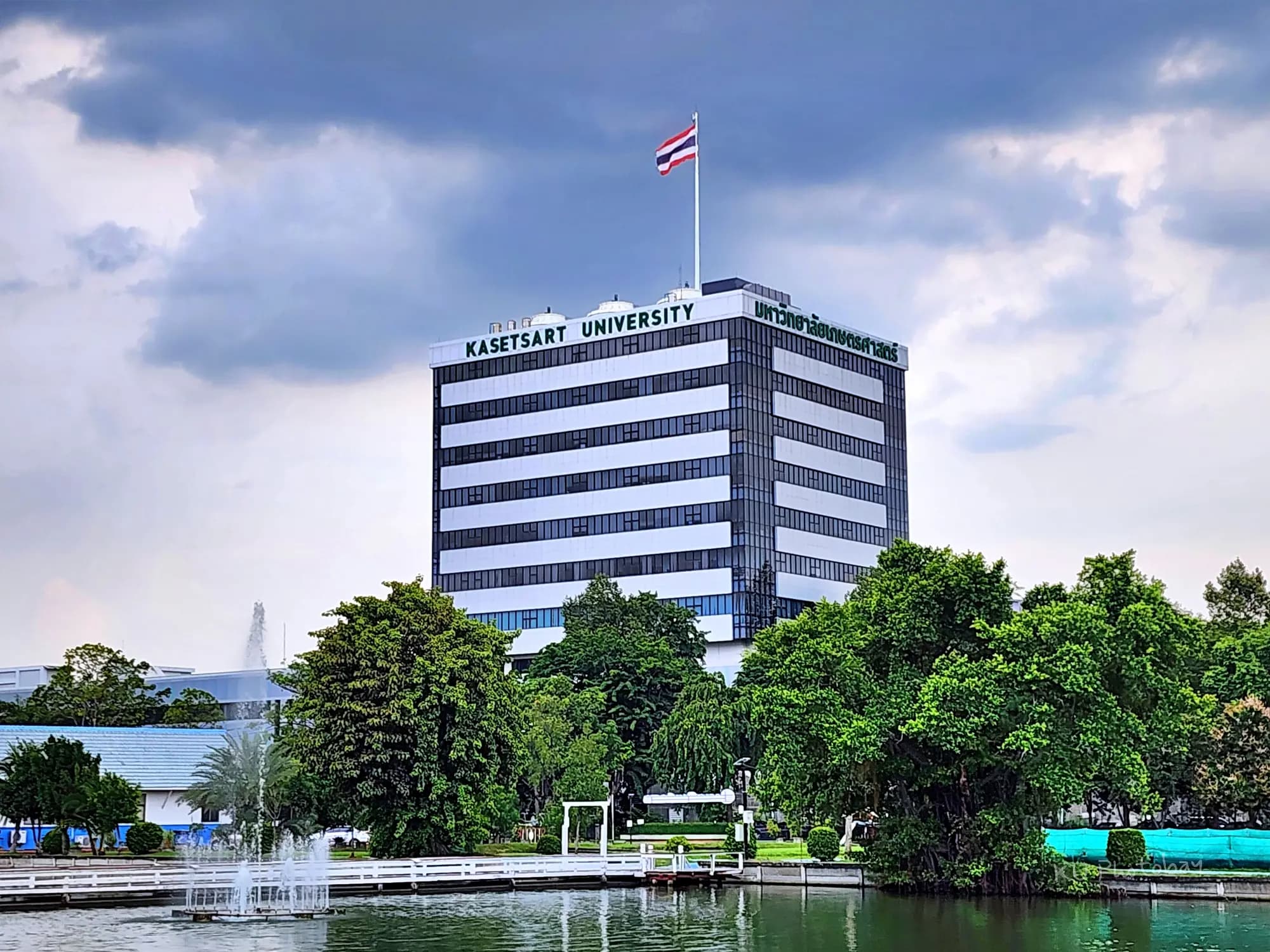
This project is a part of the courses 01418441-65 Web Technology and Web Services and 01418472-65 Integrated Agile Process and DevOps, Department of Computer Science, Kasetsart University. It was initiated by a requirement from the university (Student Affairs Division) to adopt technology in building a platform that facilitates the management and verification of outstanding student award applications across various fields. The goal is to create a clear, systematic, and transparent channel for the selection process, which led to the development of Nisit Award, an outstanding student application management system.
🛠️ Tech Stack
| Layer | Technology |
|---|---|
| Language | PHP, TypeScript |
| Framework | Laravel, Svelte, TailwindCSS |
| Database | MySQL |
📌 Reason for choosing this Tech Stack: Since the course 01418441-65 Web Technology and Web Services teaches fundamental Web Development throughout the semester, there is a requirement to use these technologies for the project development. This served as an excellent opportunity to learn and practice new tools, enhancing skills and broadening options for appropriate application in future situations.
Additionally, other technologies were integrated to elevate the User Experience (UX). For example, using Queue & Background Jobs to send email notifications to students when their applications are reviewed by different roles, and utilizing Redis for caching frequently displayed dropdown data to accelerate the system's loading time.
💻 Key Features
The system's access rights are divided into 6 main roles to ensure security and comprehensive coverage of all workflows as follows:
1. Nisit / Student
- Manage and track the status of their own outstanding student award applications.
2. Head of Department
- Verify, track the status, and review (approve or reject) applications of students within their affiliated department and campus.
3. Associate Dean
- Verify, track the status, and review (approve or reject) applications of students within their affiliated faculty and campus.
4. Dean
- Verify, track the status, and review (approve or reject) applications of students within their affiliated faculty and campus.
5. Student Affairs Division / Administrator
- Manage user accounts, faculties, and all departments within their affiliated campus.
- Manage application rounds (1 round = 1 academic year and semester) and the award categories for each round.
- Verify, track the status, and review applications of students within the campus.
- Upload documents certified by the President to proceed with closing the current application round and announcing the list of award recipients.
6. Board
- Verify, track the status, and review (approve or reject) applications of students within their affiliated campus.
💡 Note: Users of all roles (except the Student Affairs Division) will use the front-end web interface developed with Svelte, while the "Student Affairs Division" role will operate through the back-office system developed with Laravel.
🧑🏻💻 Roles and Responsibilities
In this project, I took on the role of Developer with the following main responsibilities:
- Designed the system's ER-Diagram.
- Developed the award round management feature for the Student Affairs Division role.
- Developed features for verifying, tracking status, and reviewing student applications for all roles with application review authority.
🔁 Team Workflow Process
Our team applied the Agile Methodology (Scrum) workflow to ensure system development flexibility and high responsiveness to changes, using Jira as the main tool to track tasks (Backlog Items) for each member.
- Sprint Planning: The work was divided into 5 Sprints, with each Sprint lasting approximately 2-3 weeks.
- Sprint Retrospective & Refinement: At the end of each Sprint, the team held a Retrospective meeting every Monday at 3:00 PM onsite to create a Burndown Chart and collaboratively analyze what went well and what needed improvement. In addition, Backlog Refinements were conducted to detail unclear tasks or adjust plans to handle Requirement changes (both Major and Minor Changes) before planning the next Sprint.
💡 Lessons Learned
- Regular code merging reduces Merge Conflicts: Frequently merging code as much as possible (e.g., at least once a day) effectively reduces complexity and prevents fatal errors caused by conflicting code merges.
- The importance of Testing: During development, the team encountered errors arising from insufficient testing coverage, which prevented other members from continuing their work and could undermine stakeholder confidence. During the presentation, we realized that testing must be prioritized and time must always be allocated for it.
- Preparation for Deployment: During the UAT (User Acceptance Testing) phase or deployment to Production, issues never encountered in the Development Environment always surface. Because of different environment configurations, allocating time to identify root causes and fix issues in the real environment is indispensable.
👾 Installation & Execution
Svelte
-
Clone the Svelte part of the project from GitHub to your local machine.
bashgit clone https://github.com/thg1rb/p2-final-project-hbd-feel.git -
Navigate into the project directory.
bashcd p2-final-project-hbd-feel -
Copy the default configuration file (Environment Variables) to set up the system.
bashcp .env.example .env -
Run the container via Docker in the background to start the system.
bashdocker compose up -d
Laravel
-
Clone the Laravel part of the project from GitHub to your local machine.
bashgit clone https://github.com/thg1rb/p2-final-project-backend-hbd-feel.git -
Navigate into the project directory.
bashcd p2-final-project-backend-hbd-feel -
Copy the default configuration file for the Laravel side.
bashcp .env.example .env -
Use Docker to run Composer to install Laravel Dependencies without installing PHP or Composer directly on the machine.
bashdocker run --rm \ -u "$(id -u):$(id -g)" \ -v "$(pwd):/app" \ -w /app \ composer:latest \ install --ignore-platform-reqs -
Start all containers defined in Laravel Sail (e.g., Server, Database, Redis).
bashsail up -d -
Generate a new Application Key to be used for encrypting data to ensure system security.
bashsail artisan key:generate -
Run the command to create all new database tables along with basic mock data.
bashsail artisan migrate:fresh --seed -
Install the necessary packages for managing frontend assets within Laravel (via the Bun tool).
bashsail bun install -
Run the command to compile frontend assets (e.g., TailwindCSS) in Development mode.
bashsail bun dev -
Open a new Terminal window to run the queue system for processing background jobs, such as sending emails.
bashsail artisan queue:work
📑 Related Documents
| Document Name | Access Link |
|---|---|
| Presentation Slides | Click to view slides (Canva) |
| Product Backlog & Burndown Charts | Click to view document (Google Sheets) |
| Sprint Retrospective 1 | Click to view board (FigJam) |
| Sprint Retrospective 2 | Click to view board (FigJam) |
| Sprint Retrospective 3 | Click to view board (FigJam) |
| Sprint Retrospective 4 | Click to view board (FigJam) |
| Sprint Retrospective 5 | Click to view board (FigJam) |
| ER Diagram | Click to view diagram (dbdiagram.io) |